Data Analysis
Walk through a five-step workflow: import data, view descriptive statistics, check diagnostic plots, fit a statistical model, and run post-hoc comparisons.
Import Data
When the page loads, you see design selectors and a file import zone.
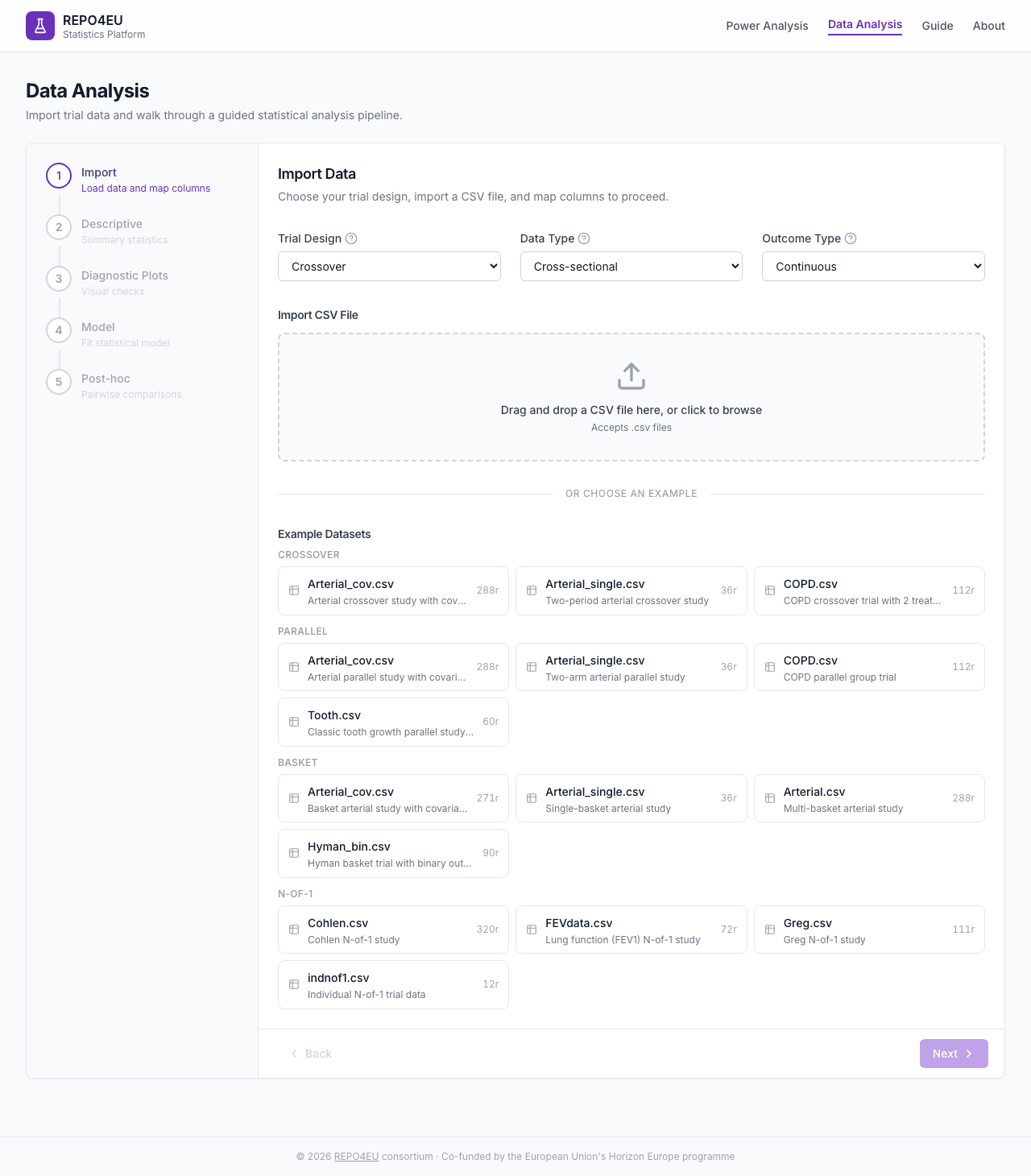
Initial state with design selectors and import area.
Design and Type Selectors
| Field | Description | Default |
|---|---|---|
| Trial Design | Parallel, Crossover, N-of-1, Umbrella, Basket | Crossover |
| Data Type | Cross-sectional, Longitudinal (crossover/parallel only) | |
| Outcome Type | Continuous, Binary | Continuous |
Loading Data
You can import a CSV via drag-and-drop, or choose from built-in example datasets.
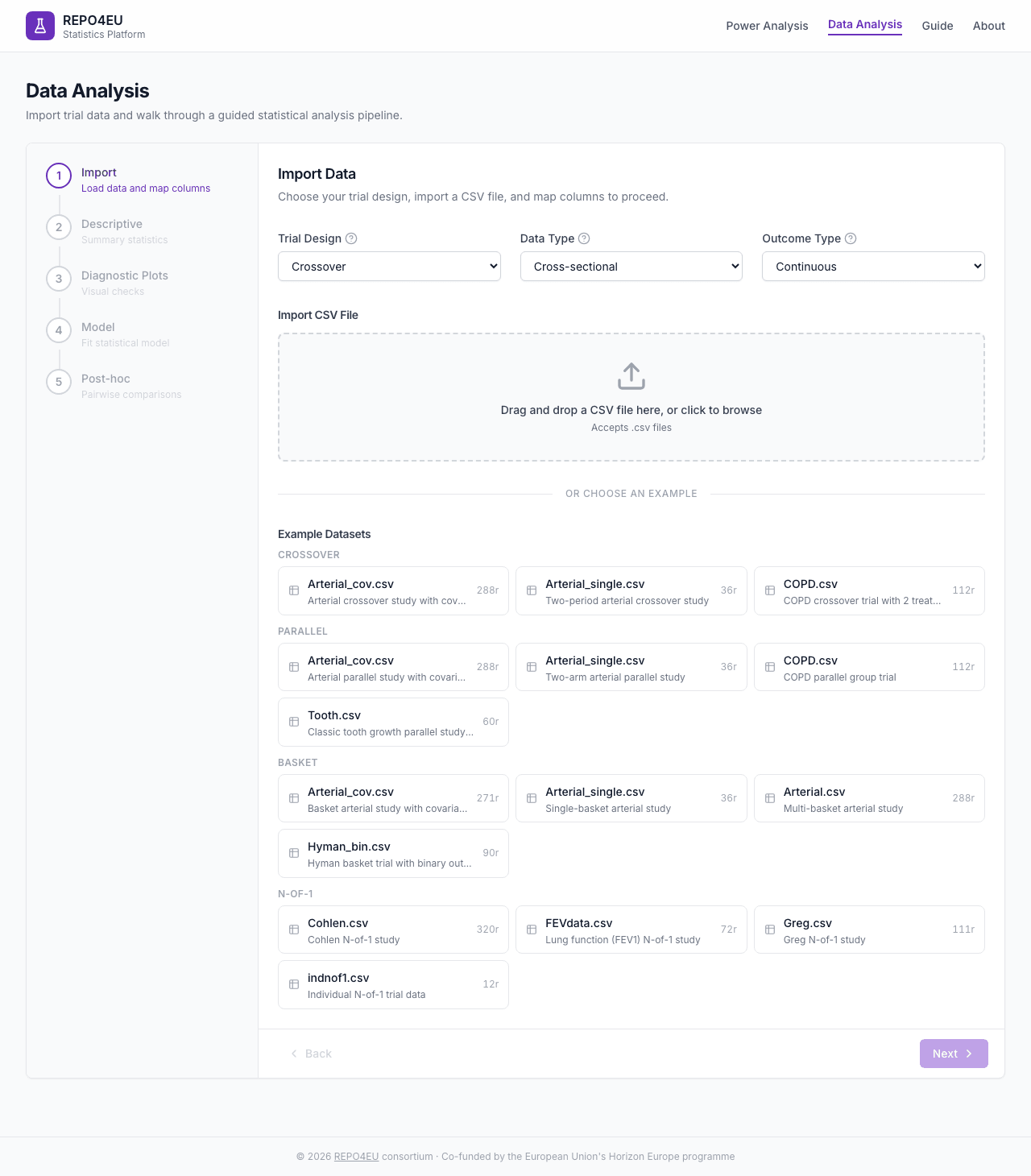
Built-in example datasets including COPD crossover, arterial studies, and more.
After Import
Once data is loaded, a green badge confirms success with row/column counts and a data preview table.
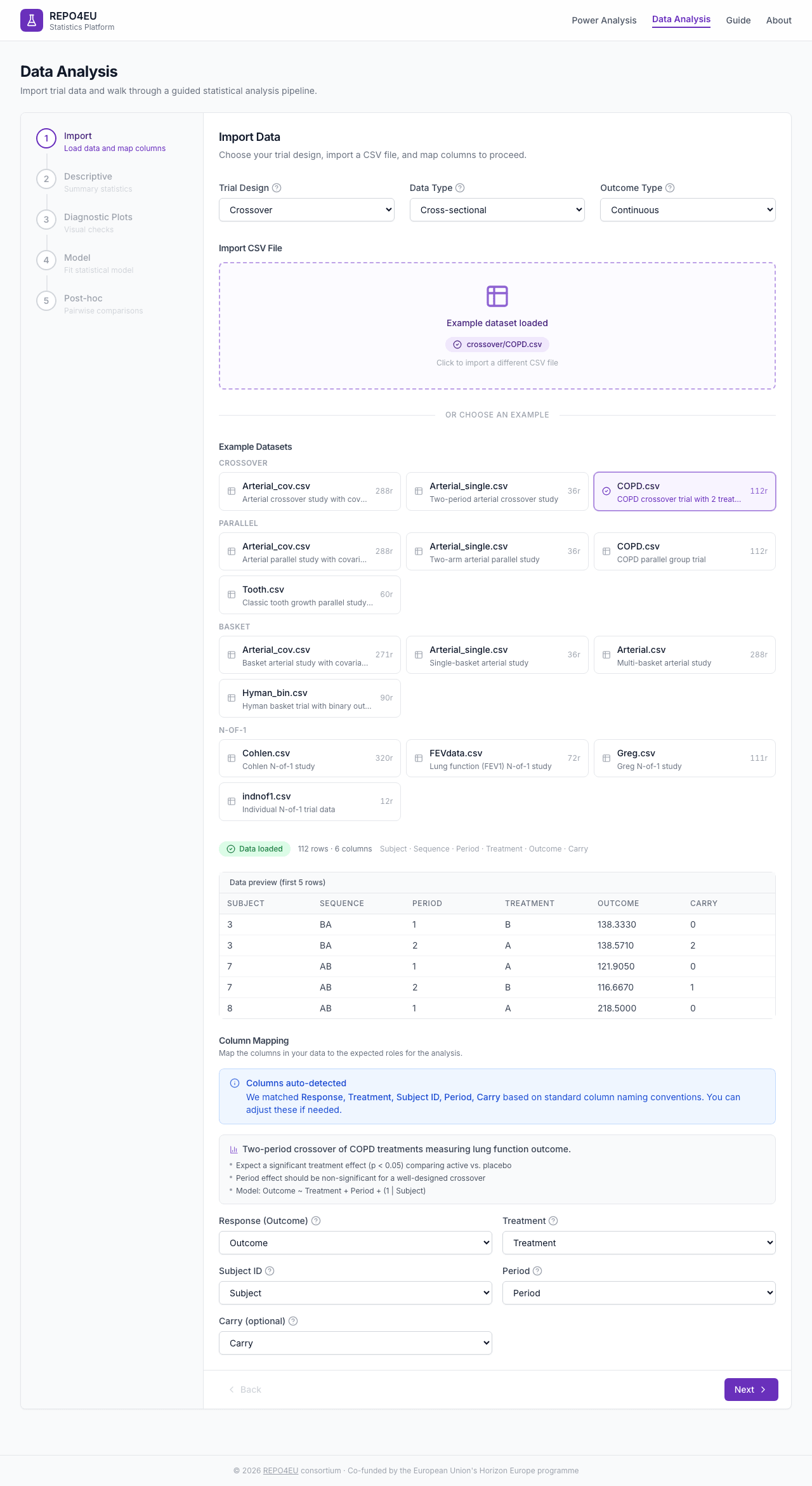
Green badge confirms successful import with data preview.
Column Mapping
Map your data columns to the required roles: Response (Outcome), Treatment, Subject ID, and Period. Crossover data may also map Carryover; umbrella data maps Biomarker.
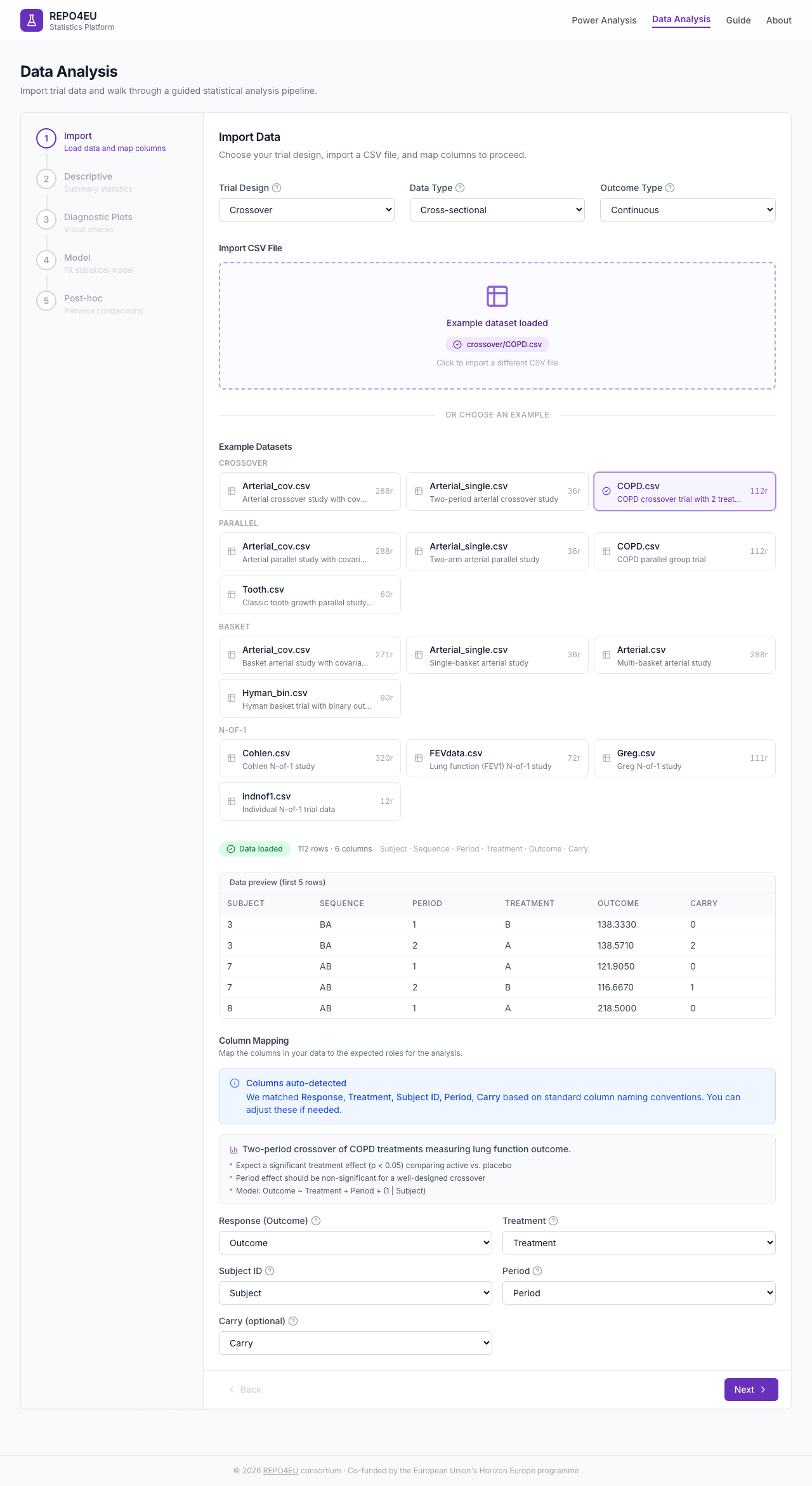
Map your CSV columns to the required roles.
Descriptive Statistics
Automatically computed when you enter this step. Includes participant flow, baseline characteristics, and outcome summary tables.
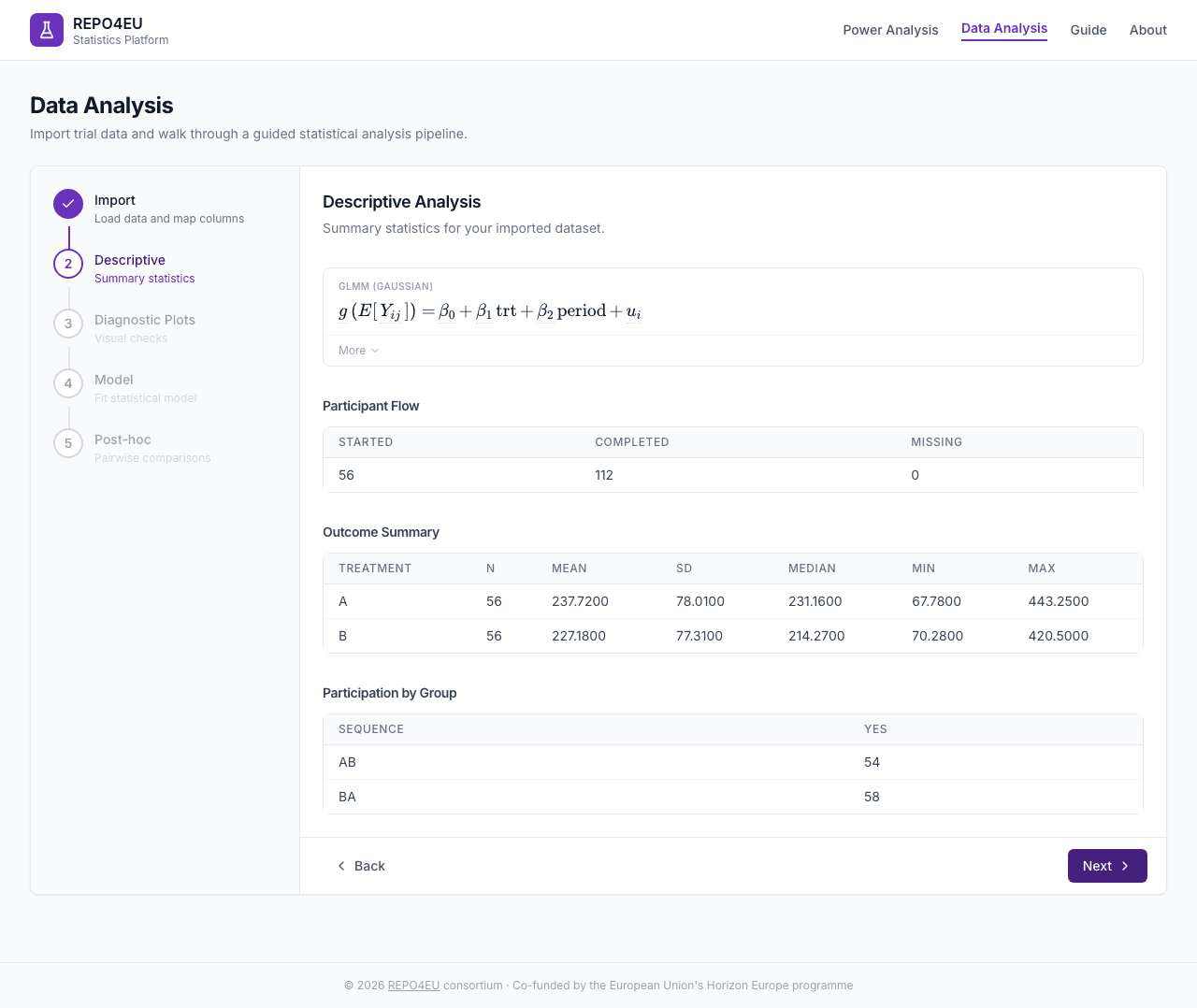
Participant flow, baseline characteristics, and outcome summary.
Diagnostic Plots
Select which plot types to generate: cross-sectional, longitudinal, profiles, or period. Plots are rendered as images from the R backend.
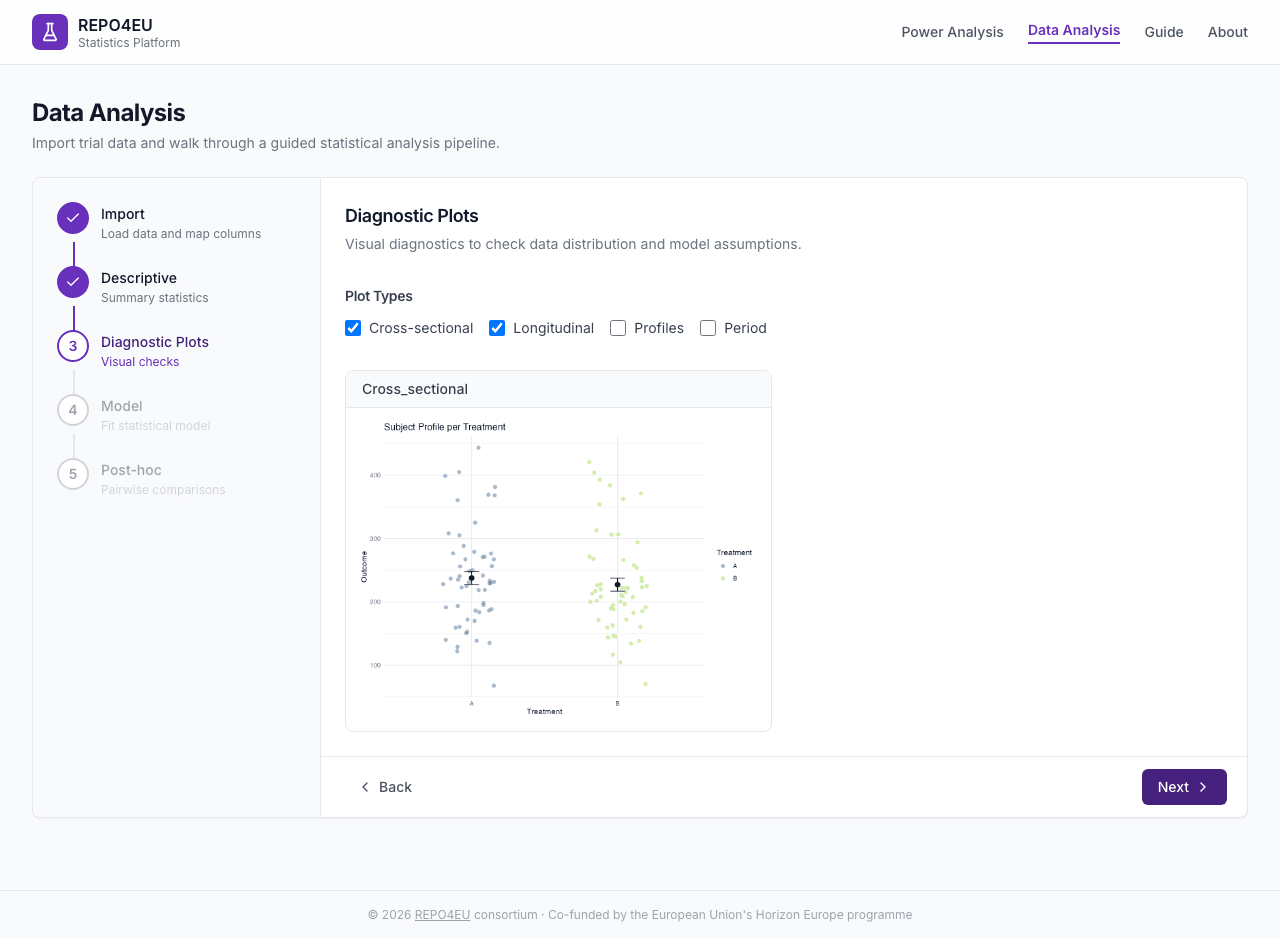
Visual diagnostics for model assumptions.
Reading residual plots
Look for points scattered randomly (good) in residual plots. Patterns, funnels, or clusters may indicate model assumption violations.Fit Model
Configuration
| Field | Description | Default |
|---|---|---|
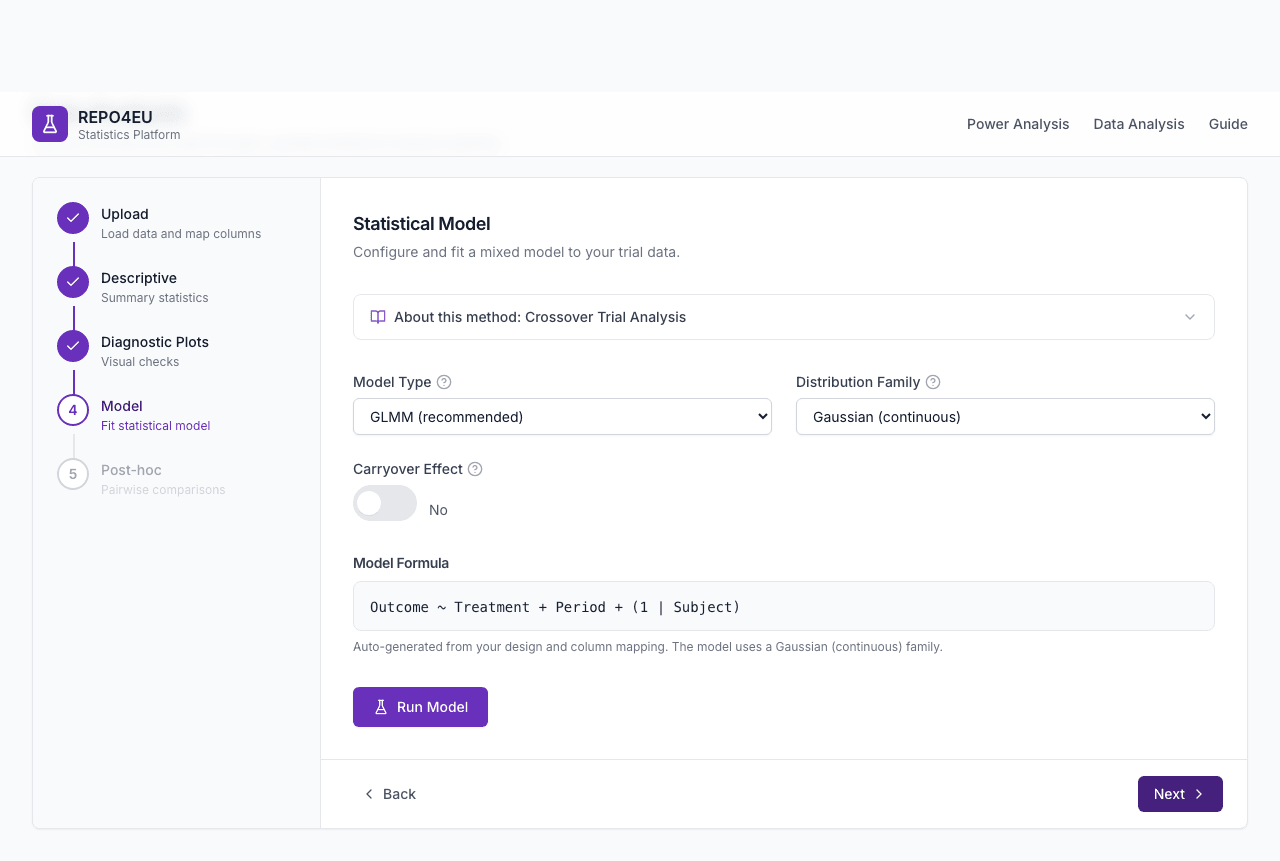
| Model Type | GEE or GLMM, selected by the target estimand | GEE for binary; GLMM otherwise |
| Carryover | Yes / No (crossover designs) | No |
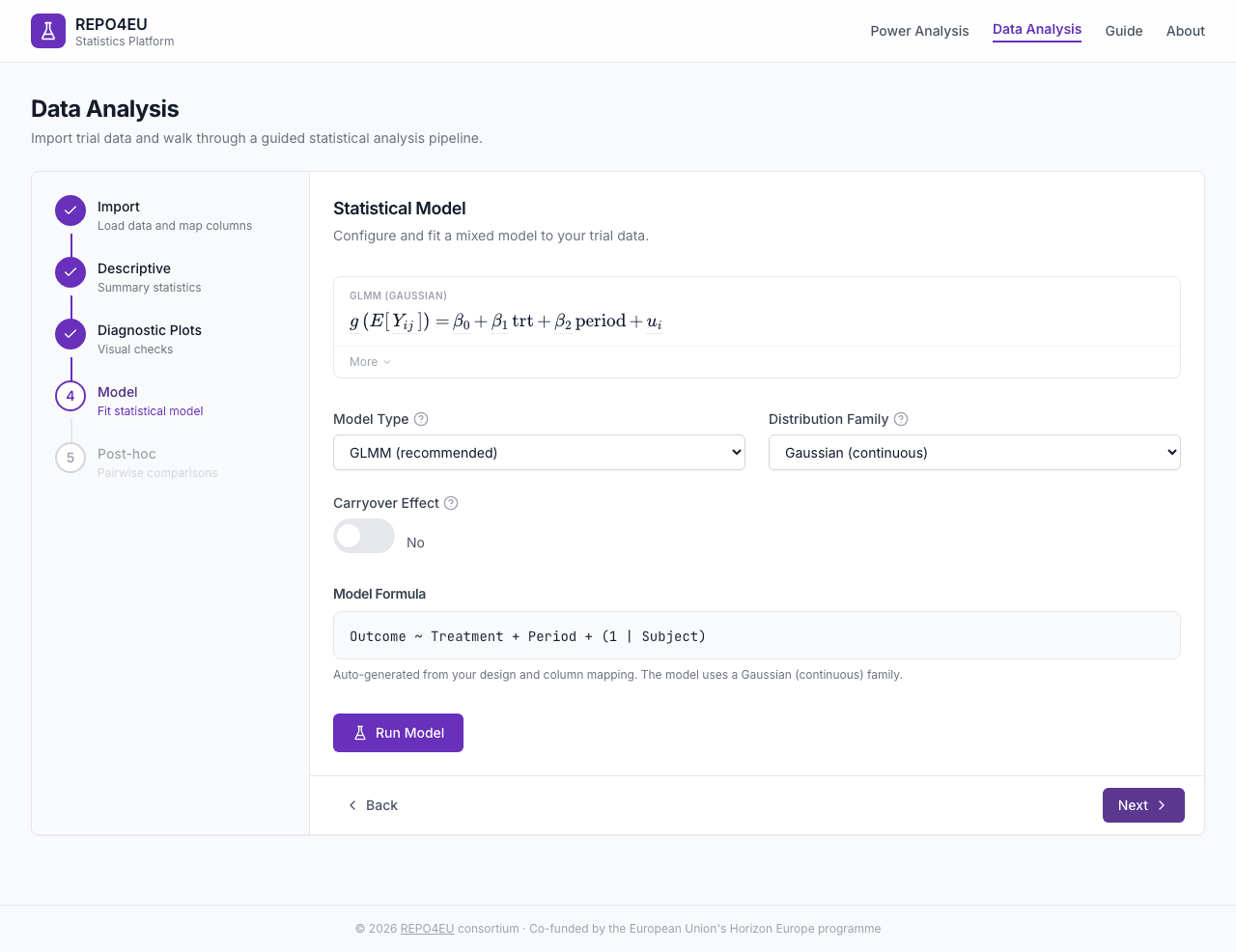
Select model type and options before fitting.
Results
After clicking Run Model, GLMM and GEE fits show coefficients and fit statistics. Basket models show posterior summaries; substudy-specific umbrella models show per-substudy drug-vs-control contrasts.
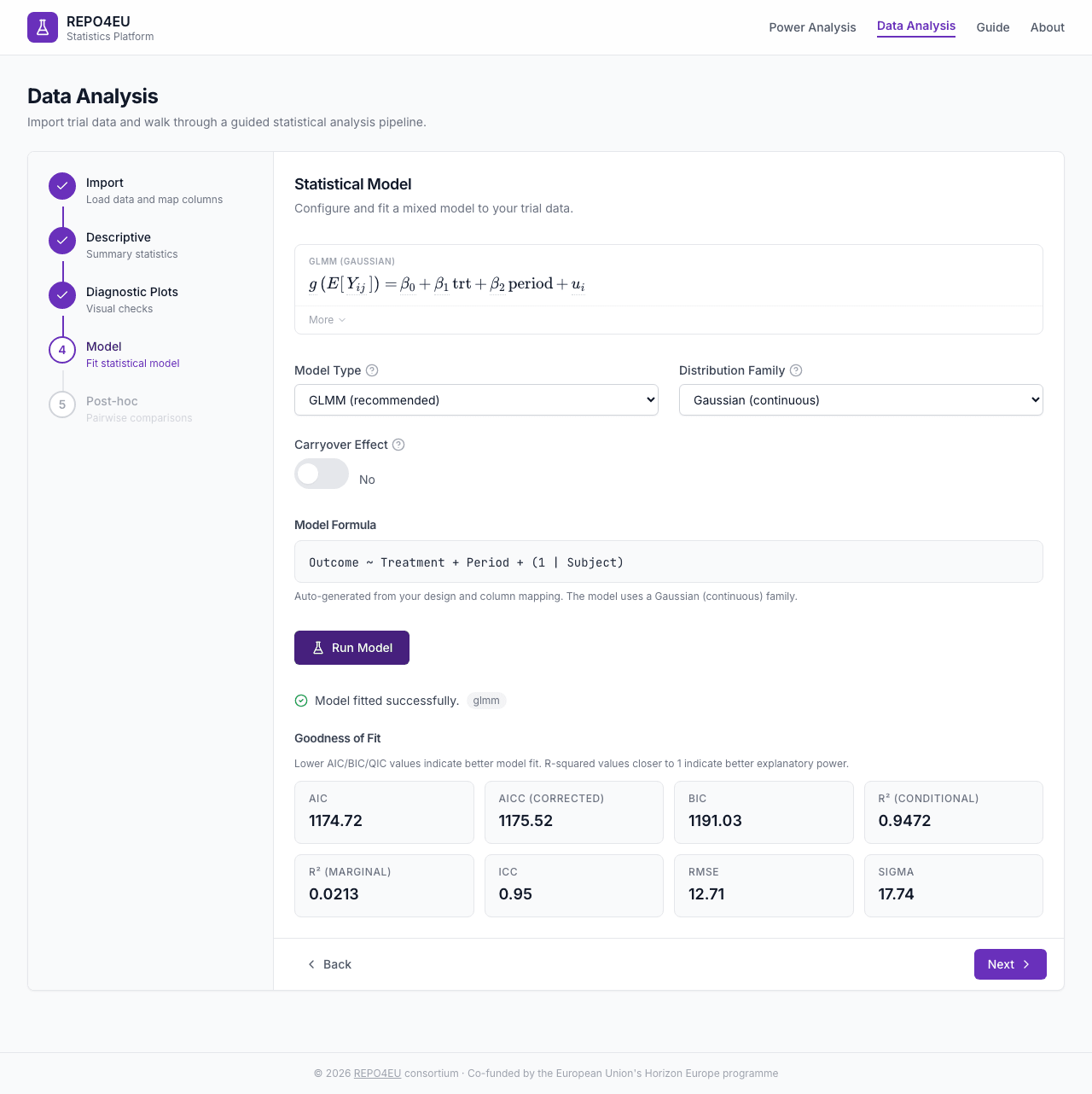
Coefficients table and model fit statistics.
Post-hoc Contrasts
Configuration
| Field | Description | Default |
|---|---|---|
| Factor | Model terms dropdown | |
| Contrast Type | Pairwise, Treatment vs Control, Custom Contrasts | Pairwise |
| P-Value Adjustment | None, Bonferroni, Holm, Tukey | None |
| Side | Two-sided, Greater, Less | Two-sided |
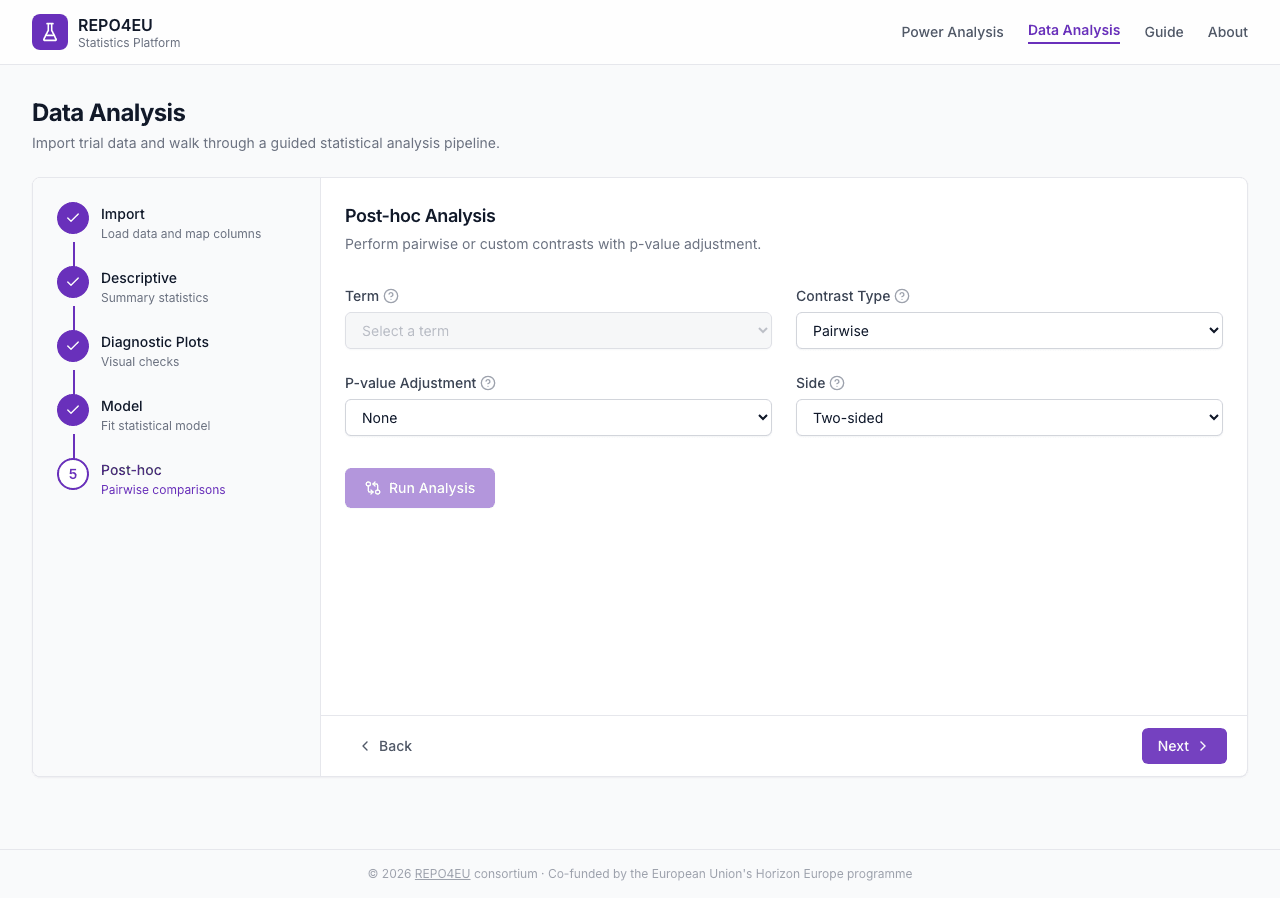
Configure contrast type and p-value adjustment.
Results
After clicking Run Post-hoc: estimated marginal means, contrasts table with p-values and confidence intervals, and EMM/contrast plots from R.
Estimated marginal means, contrasts, and plots.
P-value adjustment
When making multiple comparisons, use Bonferroni (simple), Holm (slightly more powerful), or Tukey (designed for pairwise). Use “None” only for a single pre-specified comparison.Concepts
Data Preparation
Import a CSV file with one row per observation. The platform expects columns for the response variable, treatment group, subject ID, and (for crossover/longitudinal designs) a period column. Built-in example datasets let you explore the workflow before importing your own data.
Statistical Models
Toggle between GLMM and GEE to see subject-specific regression lines vs a single population-average line.
- GLMM
- Generalized Linear Mixed Model - estimates treatment effects conditional on subject-level random effects. For binary outcomes it is supplementary unless the SAP defines a subject-specific effect as primary.
- GEE
- Generalized Estimating Equations - estimates population-average effects. It is the primary binary repeated-measures model unless the SAP specifies a conditional estimand.
Diagnostics
Select a pattern to see what good and problematic residuals look like in both plot types.
Diagnostic plots help you check whether model assumptions hold. Residual vs. fitted plots should show random scatter (no funnels or curves). QQ plots should follow the diagonal line. Violations may indicate the need for a different model or data transformation.
Post-hoc Comparisons
Adjust group means and see which comparisons reach significance under different correction methods.
- Pairwise
- Compares all pairs of treatment groups. Best when you have no pre-specified reference group.
- Control
- Compares each treatment against a selected reference control. This is more focused than all pairwise comparisons.
P-value adjustment (Bonferroni, Holm, Tukey) controls the family-wise error rate when making multiple comparisons.
Exploratory Basket Analysis
The interactive analysis fits independent (IND), single-arm binary basket summaries only. It does not borrow information, produce efficacy or futility decisions, or provide calibrated type-I/family-wise error control.
Basket sample-size planning uses a separate Zheng method for continuous outcomes. Planning and exploratory analysis are not a paired decision workflow.
Bayesian Basics
Widen the prior SD to see the posterior follow the data; narrow it to see the prior dominate.
Bayesian methods combine prior beliefs with observed data to produce posterior distributions. Borrowing information across baskets can reduce standard errors when treatment effects are similar, but the interactive analysis does not borrow: it estimates each basket independently and sets the priors automatically for that independent model.